Shadow Fleet print list
Every file to print, how many copies, what color and whether it needs supports.
Shadow Fleet v1
This list as a PDFThe shop page
How to do it
- 1Get the files. Buy them above. If you already have, open this list from your order page. The link is in your Stripe receipt email.
- 2Get the free base set too. It has the masts, cargo, cannons and wheels (the plates below include them), and the coins, islands and terrain a game needs.
- 3Print each color. The plates have the settings in them. If you slice the STLs yourself, use these settings.
- 4Put it together with the assembly steps.
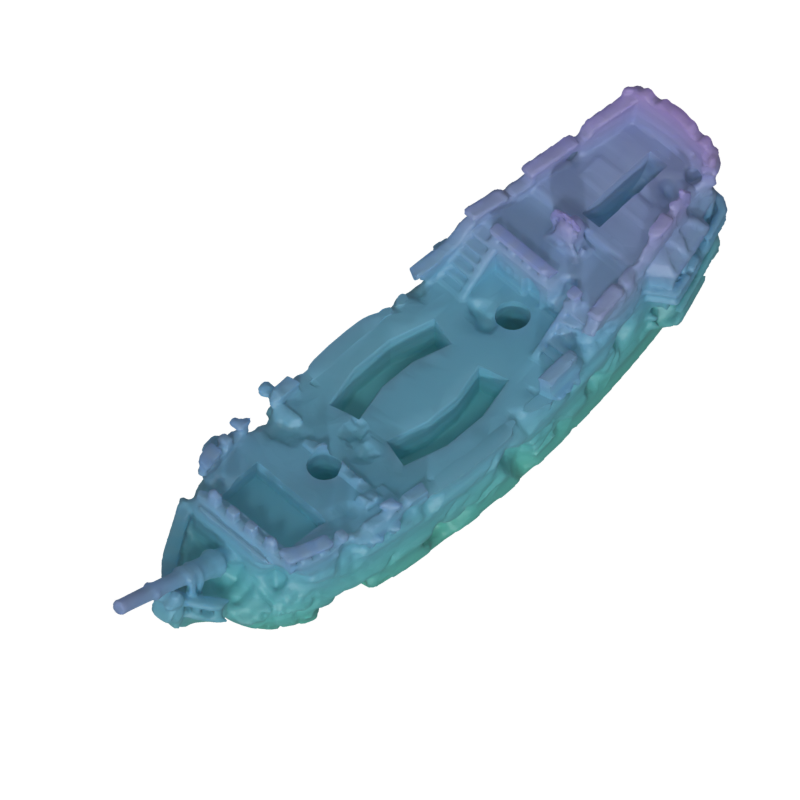
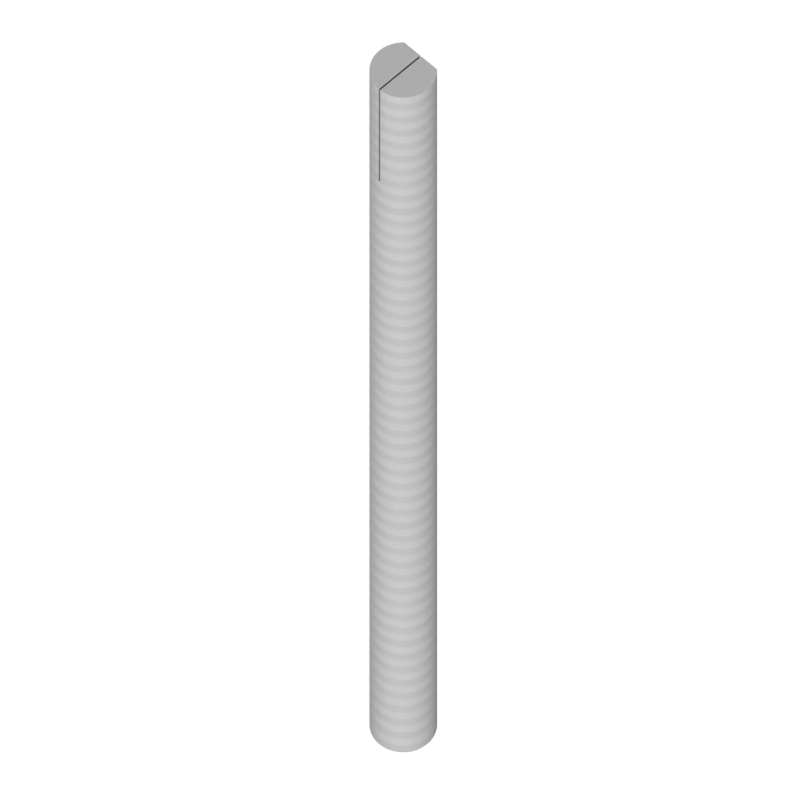
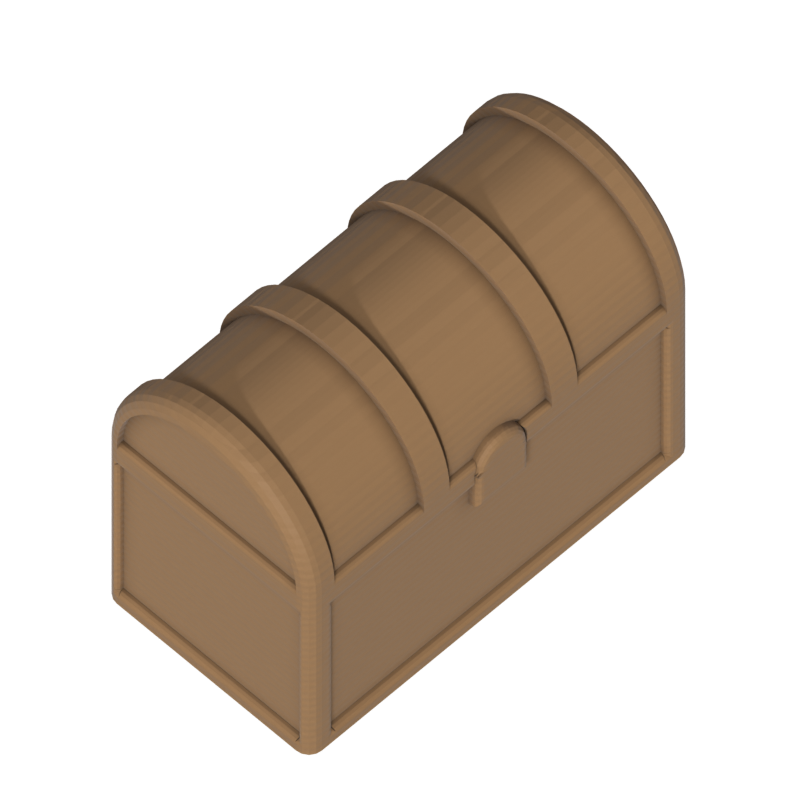
3 galleons with 3 fittings each (2 masts, 1 cargo)

Print it in CubbySlicer
Each file is one color's parts from this list, laid out on a 256 mm plate with the settings. Open one in CubbySlicer (it runs in your browser) or download the .3mf for OrcaSlicer. The by a file name in the tables opens just that file.